





Can I Change My User Avatar?



Yes, of course. You just need to pick the icon you like from the SlotsMate avatar library.
We have been working hard to create some avatars that will let you represent your inner gambler.
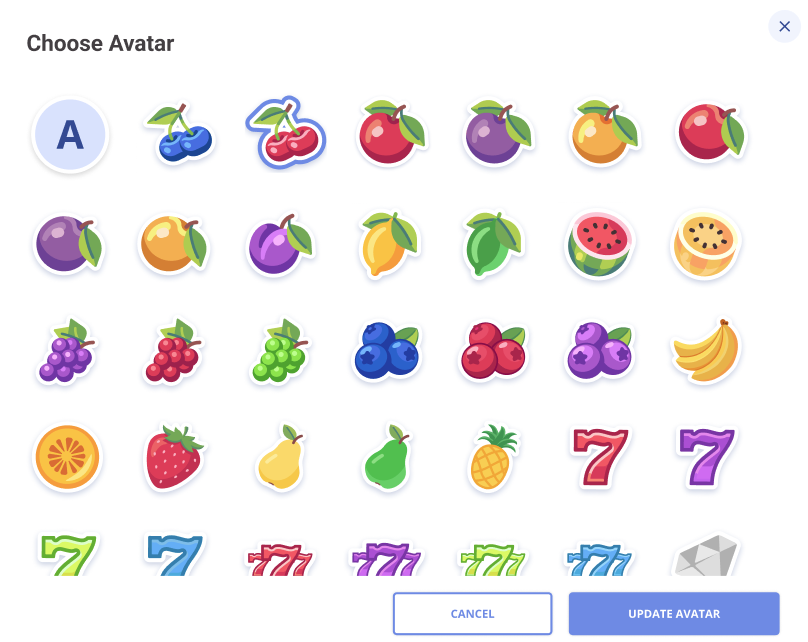
Here’s how to change your avatar in less than a minute:
- Go to Account Settings;
- Click on your avatar (the first thing that shows, basically);
- Choose your favorite from the library.
- Tap “UPDATE AVATAR”.
That’s all, folks!
Your new avatar shows up immediately next to your username on the leaderboard, on your profile, and anywhere else where the community can see you.
You can change it as often as you want. No cooldown, no limit. If you crack the top 10 on a board and want a more flattering avatar for the occasion, go for it. We encourage you!
We don't currently support custom uploads. Our library contains everything that's available. If we add upload functionality later, your existing avatar choice stays put until you decide to change it.
Related: How can I change my account details?
Page Contributors